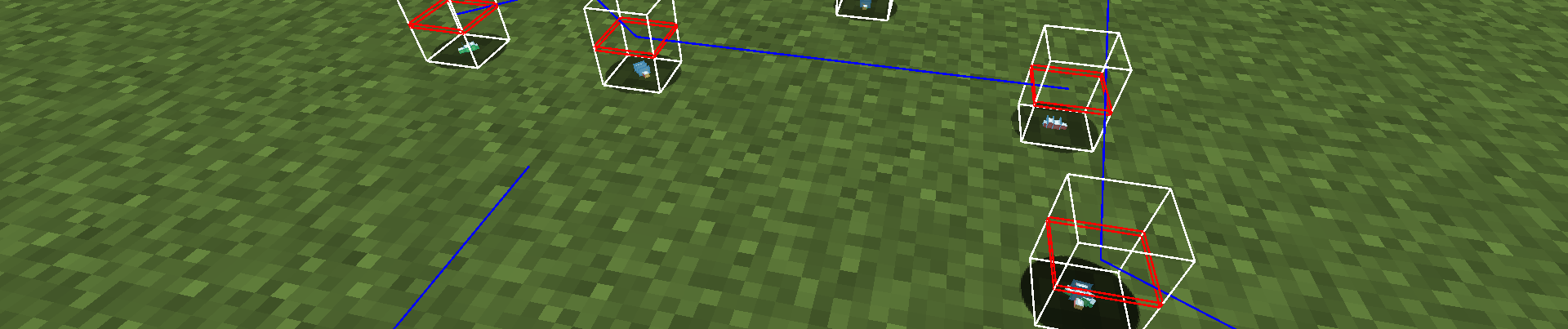

This week I’ve created a new release that fixes some bugs that have been in the mod for far too long. The movement bug in particular has been annoying for a while, and relied on an extremely hack piece of code attempting to cover it up.
Butterfly Movement
Butterfly movement has been the bane of my existence since I first implemented them. They would randomly speed off into the sky. I could never figure out why, especially since all their pathfinding and movement code was in the base game. There was no custom code here.
In order to get the mod out, I implemented hack that would clamp their movement to something reasonable:
    /**
     * Hacky fix to stop butterflies teleporting.
     * TODO: We need a better fix than this.
     * @param x The x-position.
     * @param y The y-position.
     * @param z The z-position.
     */
    @Override
    public void setPos(double x, double y, double z) {
        Vec3 delta = new Vec3(x, y, z).subtract(this.position());
        if (delta.lengthSqr() <= 1 || this.position().lengthSqr() == 0) {
            super.setPos(x, y, z);
        }
    }
As you can see, I left a `TODO` to fix this properly at some point. This hack smoothed things over, but you would still occasionally see butterflies move unnaturally.
Then, when I started to implement Peacemaker Butterflies, I saw the same problem. I tried the hack again, but it wasn’t good enough. Peacemaker Butterflies would often end up speeding toward build height, effectively disabling their AI.
So it was time to figure out why this was happening. I discovered that it was a “friction” calculation causing the Butterflies to fly out of control. But why was it happening to my entities and not any of the flying entities in the base game?
What I learned was that some flying entities in the base game use custom code in their travel() method to complement the pathfinding and physics code. Other entities (such as the Phantoms) simply disabled their physics to allow them to move through walls.
So I ended up writing custom code for my own flying entities based on code from the base game. I kept it in a generic method so that it could be used by both Butterflies and Peacemaker Butterflies:
    /**
     * Custom travel code for flying entities. Used by Peacemaker Butterflies
     * and Butterflies/Moths.
     * @param entity The flying entity.
     * @param velocity The velocity to travel.
     * @param ground The position of the ground that effects the entity's movement.
     */
    public static void travel(@NotNull PathfinderMob entity,
                              @NotNull Vec3 velocity,
                              BlockPos ground) {
        if (entity.isControlledByLocalInstance()) {

            if (entity.isInWater()) {
                entity.moveRelative(0.02F, velocity);
                entity.move(MoverType.SELF, entity.getDeltaMovement());
                entity.setDeltaMovement(entity.getDeltaMovement().scale(0.8F));

            } else if (entity.isInLava()) {
                entity.moveRelative(0.02F, velocity);
                entity.move(MoverType.SELF, entity.getDeltaMovement());
                entity.setDeltaMovement(entity.getDeltaMovement().scale(0.5D));

            } else {
                float friction = 0.91F;
                if (entity.onGround()) {
                    friction = entity.level().getBlockState(ground).getFriction(entity.level(), ground, entity) * 0.91F;
                }

                float frictionCoefficient = 0.16277137F / (friction * friction * friction);

                entity.moveRelative(entity.onGround() ? 0.1F * frictionCoefficient : 0.02F, velocity);
                entity.move(MoverType.SELF, entity.getDeltaMovement());
                entity.setDeltaMovement(entity.getDeltaMovement().scale(friction));
            }
        }

        entity.calculateEntityAnimation(false);
    }
Now their movement is as smooth as I’d always wanted. They no longer go flying off in random directions, nor do they fly so erratically. I’d finally fixed an issue that had been bugging me since the mod’s inception.
Strange Folder Names
I got a bug report complaining about missing textures for zombie villagers with the lepidopterist job:
i seem to be having an issue where the lepidopterist zombie villager has no textures and is pink and black – is this something on my end or a bug?
DaveDavidson1234 on Curseforge
This was likely a case of missing textures. But it was strange, since I remembered including the textures for the zombie villagers. But when I ran the game and infected a lepidopterist villager, sure enough they were a pink and black box, as reported.
Checking the logs I found that the game couldn’t find the texture for the zombie villager:
java.io.FileNotFoundException: butterflies:textures/entity/zombie_villager/profession/lepidopterist.png
So I looked in the assets to see if the texture was missing. But it was right were it was supposed to be, just beneath the villager version of the texture:
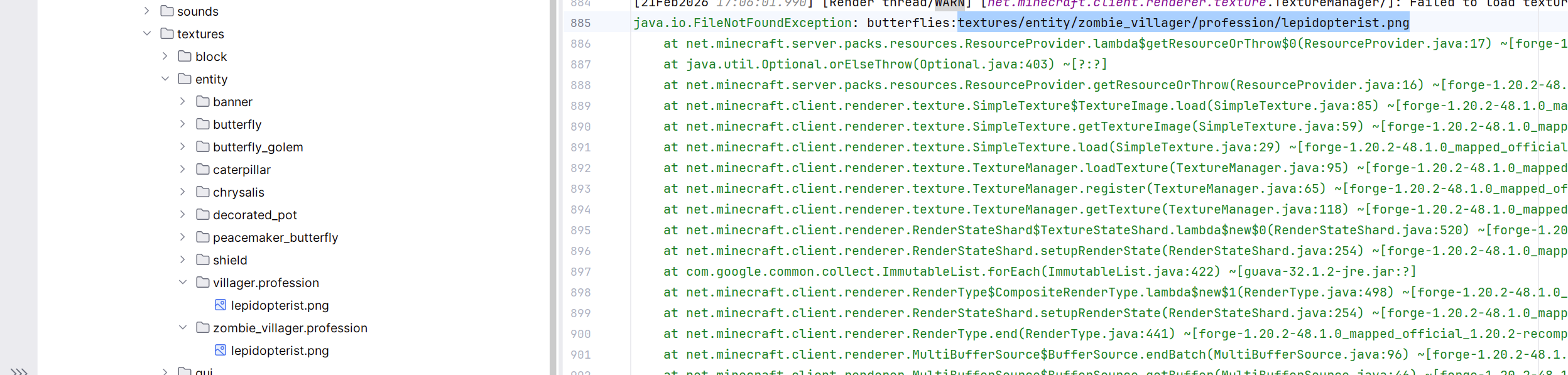
I pored over this multiple times, carefully comparing the spelling to see if there was a typo. It seemed correct, so I wondered if there was something else I needed to do to register the texture. I spent a day trying to figure out if I’d missed something, looking through code on Github to see what others did.
Then I went into the files on my laptop and I spotted the issue immediately:

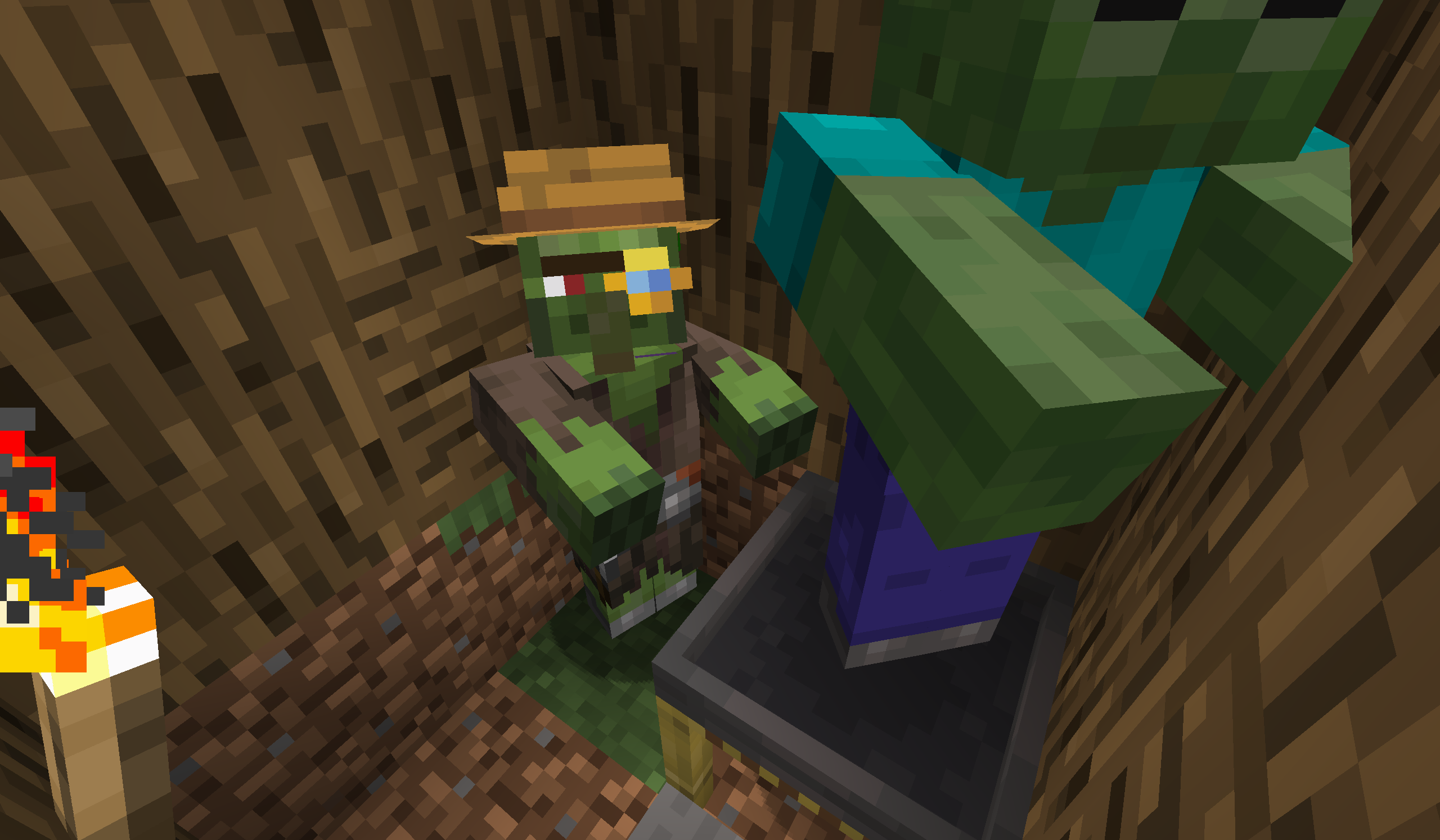
The folder was literally named zombie_villager.profession. profession wasn’t a subfolder at all, which is why the game can’t find it. Now the fix was obvious, I just needed to move the texture to the correct folder. After doing so, the zombie villager looked like it was supposed to in-game:
But I didn’t stop there. The reason this happened stems from the way that IntelliJ displays empty subfolders. It made \zombie_villager\profession look exactly the same as \zombie_villager.professsion\, which is why this went unnoticed for so long.
So now I have disabled the compact middle packages option in IntelliJ, which means from now on I will be able to see when a folder name contains a dot without having to go into Explorer:

New Bugs
Old bugs may get squashed, but new bugs are constantly being born. If you spot any while you play the mod, or if you have any suggestions for new features, don’t hesitate to open a ticket and let me know!