

I’ve spent much of this week refactoring butterfly behaviour, improving their AI and optimising the Butterfly Data. I’m aiming to have a better foundation before adding new features, and to solve a few of the issues I’ve had when adding new butterflies in the past.
Food Blocks and Food Items
When I added the Orizaba Silkmoth I ran into a small problem. Up until that point I had only used flowers as food for Butterflies, and since they are BlockItems, the ResourceLocation for the item and the block are the same. So the foodSource for Butterflies was defined by a single value:
"foodSource": "azure_bluet",
Orizaba Silkmoths eat cocoa, and I wanted to have them do the same in the mod. The problem is that cocoa isn’t a BlockItem in Minecraft. They are separate items and blocks with two different ResourceLocations:
minecraft:cocoaminecraft:cocoa_beans
In the last article you will see that I added a hack to get around this, but I wanted to fix it properly. Doing it this way would mean that I would be able to make any item or block combination a food source for butterflies, rather than just BlockItems. Now we can specify a separate foodBlock and a foodItem in our butterfly data:
  "foodBlock": "minecraft:cocoa",
  "foodItem": "minecraft:cocoa_beans",
Since there are a lot of butterflies that still use foodSource, I didn’t want to go back and modify every single butterfly data file. Instead, I allowed the Json Parser to use both, meaning I only needed to update the Butterfly Data for a few of the species in the mod:
                // For backwards compatibility allow "foodSource" to be used.
                if (object.has("foodSource")) {
                    foodBlock = object.get("foodSource").getAsString();
                    foodItem = object.get("foodSource").getAsString();
                } else {
                    foodBlock = require(object, "foodBlock").getAsString();
                    foodItem = require(object, "foodItem").getAsString();
                }
With this implementation Butterflies will need either a foodSource property, or both foodBlock and foodItem. If they don’t, then the game will report an error when Butterfly Data is loaded (either during datagen or loading into a world). One more possible improvement to this code might be to check if the referenced Block or Item exists, as this would help to prevent errors getting into the Butterfly Data.
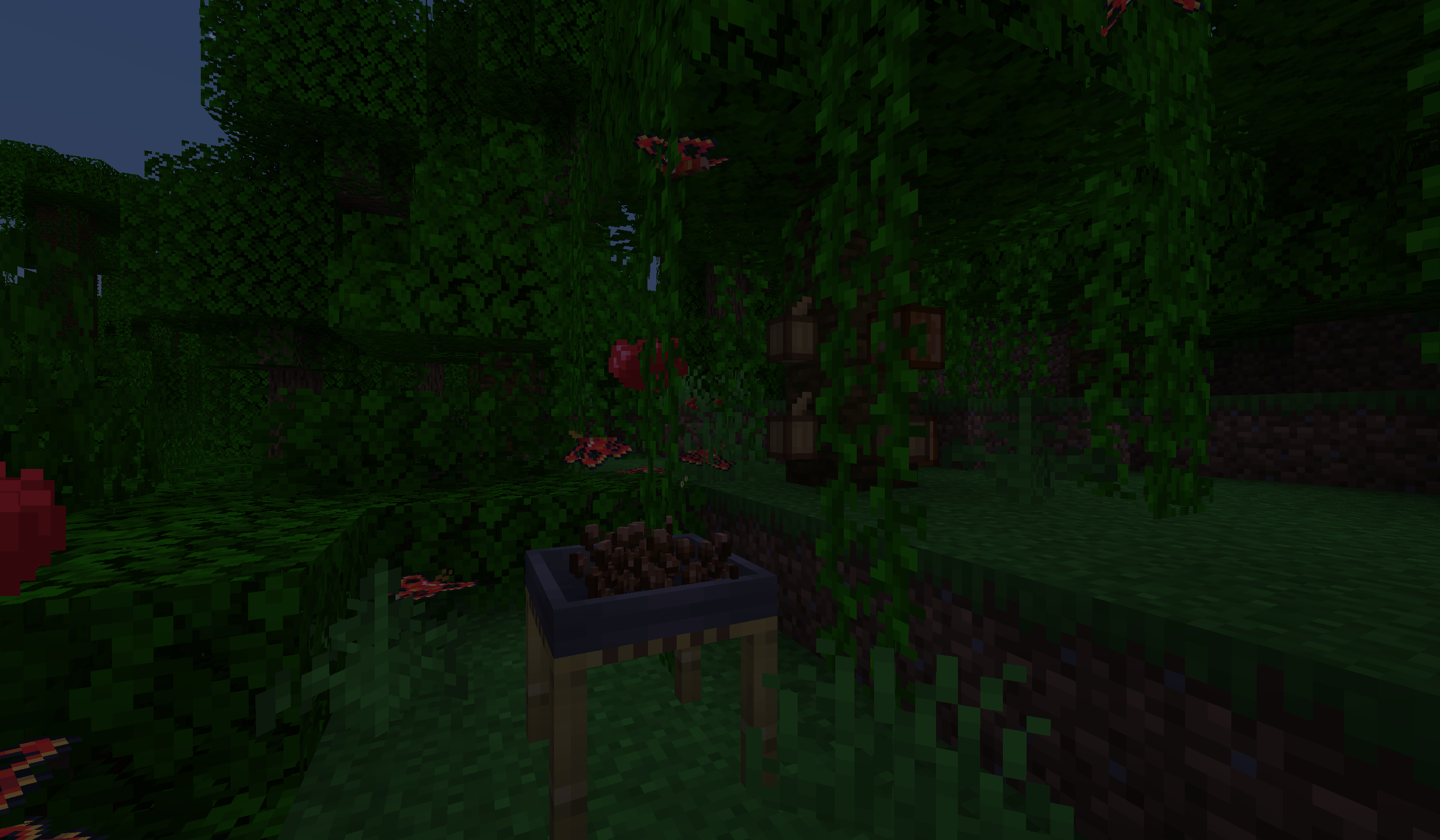
After going through the code and ensuring that every place these properties are accessed use the correct one, we now have a more robust system for how butterflies interact with food items and blocks. Combined with the updates to the Consume and Pollination goals I made last week, these changes make butterflies more customisable, even allowing support for items from other mods.
Precomputing Data
In the ButterflyData a lot of ResourceLocations are created whenever an accessor method is called. The problem is that many of these methods are called as regularly as once per tick per entity, and this means they constantly allocate new ResourceLocation objects. It’s best to avoid allocating/deallocating memory as much as possible, so this was a good opportunity for refactoring.
I created a few subclasses to hold these extra fields: LandingRules to handle landing blocks, LifecycleData to hold all the life-cycle data, and VariantSet to hold all the variants of each butterfly. The classes contain extra checking to ensure their values are valid, and also generate any data that can be predetermined. For example, LifecycleData generates the overallLifespan when it is created when the Butterfly Data is parsed so that it can be accessed later, rather than recalculating it every time the method is called.
These classes are also designed to be immutable, meaning their state cannot change after the ButterflyData object is created from parsed JSON files. However, when a data pack is reloaded, a new ButterflyData is created from the current Butterfly Data in the pack. This means that Butterfly Data can be updated by a data pack, just like any other files you would find in a Minecraft data pack.
I also added the SpeciesId class, which holds what was once known as the entityId. This class can be converted to a String so that it can be used everywhere it’s already being used, but it also contains extra checks to ensure the value is valid, and adds a withSuffix() method that is useful for generating ResourceLocation identifiers for items, entities, and any other Butterfly related resource. This class is also used by VariantSet to ensure that the values are valid.
With these classes we can also pre-generate a set of ResourceLocations for all related items and entities that will save us precious allocations/deallocations each time a Butterfly Entity ticks.
Better Landing Blocks
The Extra Landing Blocks for each species was based around an enumeration:
public enum ExtraLandingBlocks {
    NONE,
    HAY_BALE,
    LOGS,
    WOOL,
    FRUIT,
    OBSIDIAN
}
The problem with this is that when I want to add a new landing target I would have to edit this enumeration and the code around it in order to support it. The OBSIDIAN value wasn’t added until I added the Ītzpāpālōtl when I had to support a new block.
I wanted a solution that allowed me to add new landing targets without updating the code, so I rewrote it to use both ResourceLocations and BlockTags. Doing this also makes the data more familiar to other modders, as I’ll be using vanilla features they will be familiar with, rather than a custom enumeration they need to look up.
extraLandingBlocks is now a set that can take both ResourceLocations and BlockTags. To indicate a Block Tag, you can simply start the entry with a #. Some examples:
"extraLandingBlocks": [],

...

"extraLandingBlocks": ["minecraft:pumpkin",  "minecraft:melon"],

...

"extraLandingBlocks": ["#minecraft:wool"],
The LandingBlocks class then generates a list of blocks and tags that can be checked later, ensuring that every species can land on leaves:
    private final Set<Block> landingBlocks;
    private final Set<TagKey<Block>> landingBlockTags;

    public LandingRules(Set<String> extraLandingBlocks) {
        this.landingBlocks = new HashSet<>();
        this.landingBlockTags = new HashSet<>();
        this.landingBlockTags.add(BlockTags.LEAVES);

        for (String entry : extraLandingBlocks) {
            if (entry.startsWith("#")) {
                this.landingBlockTags.add(requireBlockTag(entry));
            } else {
                this.landingBlocks.add(requireBlock(entry));
            }
        }
    }
Now the code to check for valid landing blocks is a simple iteration over these two sets:
    public boolean isValidLandingBlock(BlockState state) {
        for (TagKey<Block> tag : landingBlockTags) {
            if (state.is(tag)) {
                return true;
            }
        }

        for (Block block : landingBlocks) {
            if (block != null && state.is(block)) {
                return true;
            }
        }

        return false;
    }
By leveraging a system that already exists in vanilla Minecraft, we can now add any block as a landing block to butterflies, including blocks from other mods!
Feeding vs. Pollination
Last week I noticed that the code for Butterflies using Butterfly Feeders and for Pollination was a bit convoluted. The problem was that these goals ignored the fundamental principle of Separation of Concerns by trying to support two behaviours at once. This goal has now been separated into ButterflyFeedGoal and ButterflyPollinateGoal to better distinguish them as two separate behaviours.
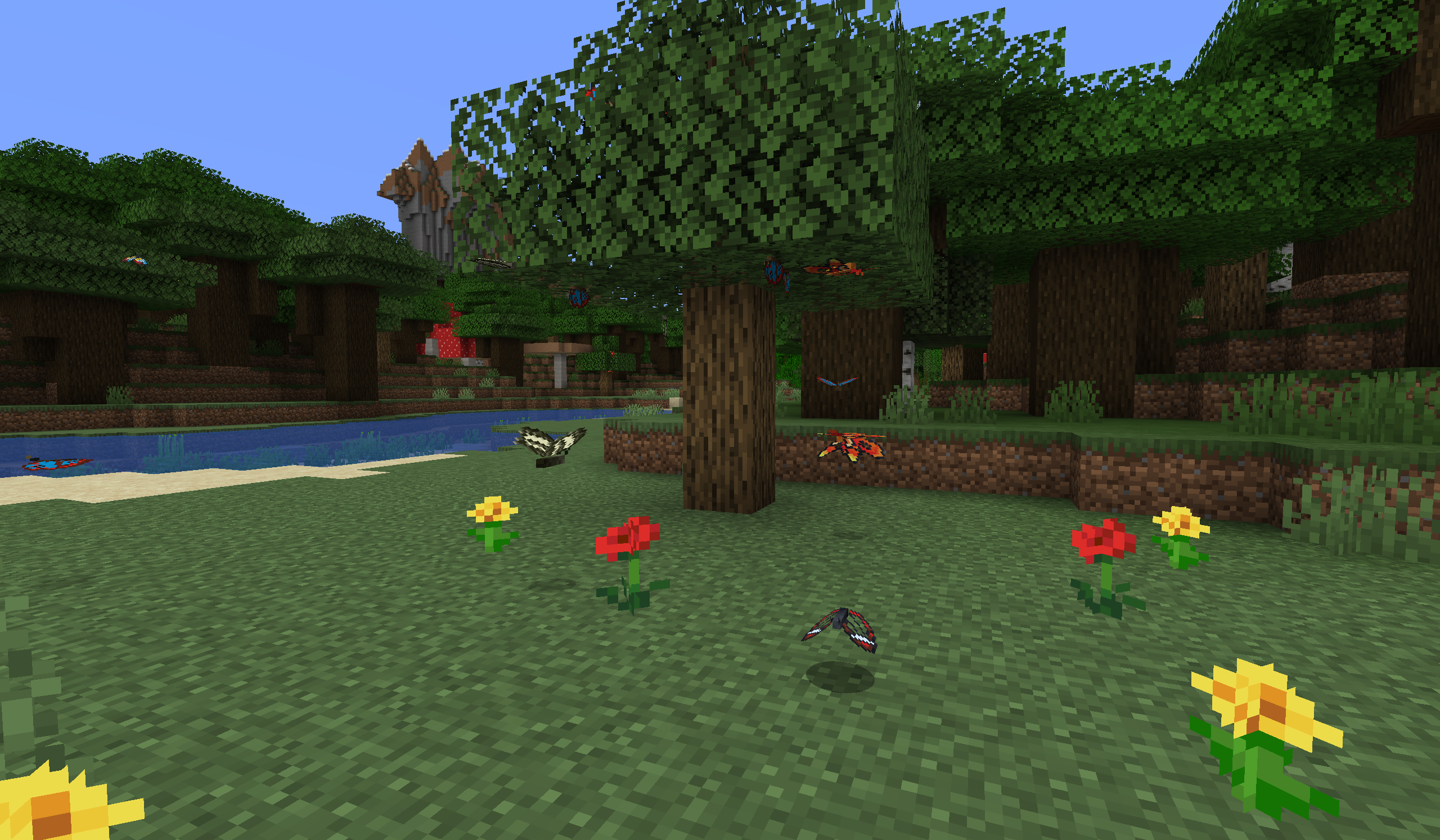
Both goals have different requirements, namely that Butterflies can only use Butterfly Feeders when they are out of eggs. This meant that instead of checking the preconditions in the canUse() override like we are supposed to, one of the conditions was actually being checked in the isValidTarget() override which is only supposed to be checking the target. By separating into two goals, we can move this check into canUse() (and canContinueToUse()) where it belongs.
The goals are now completely independent of each other, so we can actually remove the ButterflyFeedGoal from species that can’t reproduce. I’ve left the priorities the same, since both behaviours can still run depending on the blocks around them.
Release?
Once again, I won’t be making a new release with these changes. Though they do fix some minor bugs, they don’t change enough that players would actually notice anything. So I’m holding off on a release until I have a concrete new feature for the mod.
But, as always, if you spot a bug, or have any suggestions, feel free to open a ticket.


