

I added Butterfly Origami as a quick feature to give some flavour to Bok’s Banging Butterflies. When I initially added them I did it fairly quickly and have always been unhappy with the result. So, I’ve finally gotten around to fixing it properly.
The biggest problem I had with the Origami were the item models. Since they are blocks, I just used the block item texture. Unfortunately, this led to the item icons looking, to be blunt, really shite:
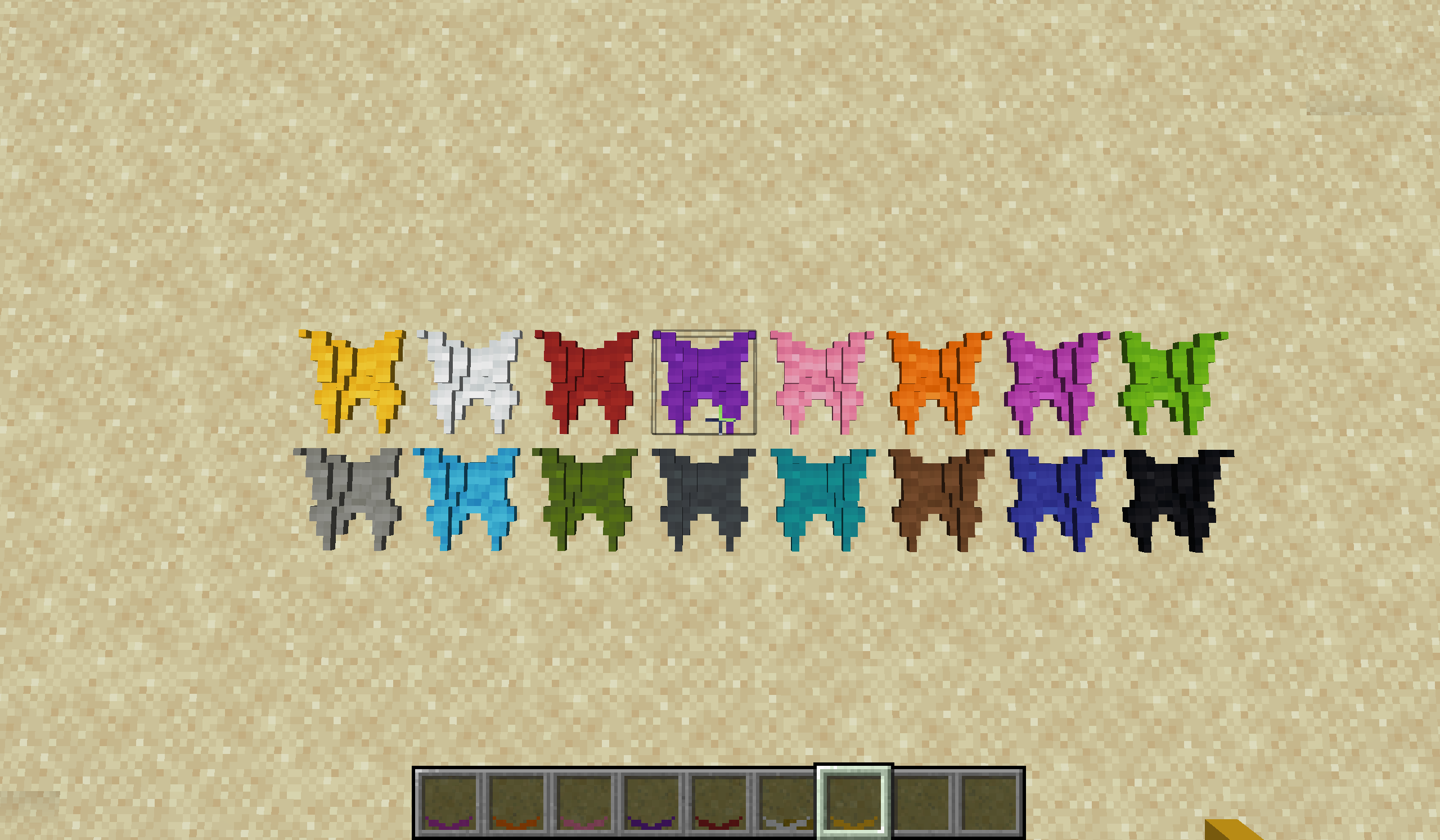
I never liked these icons, but they were functional so I just released them as is. Honestly, it was pretty lazy of me. If I had just spent a little bit of extra time working in GIMP I could have created some much better looking icons. So this week I spent that time, and I think you’ll agree the result looks a lot better than before:
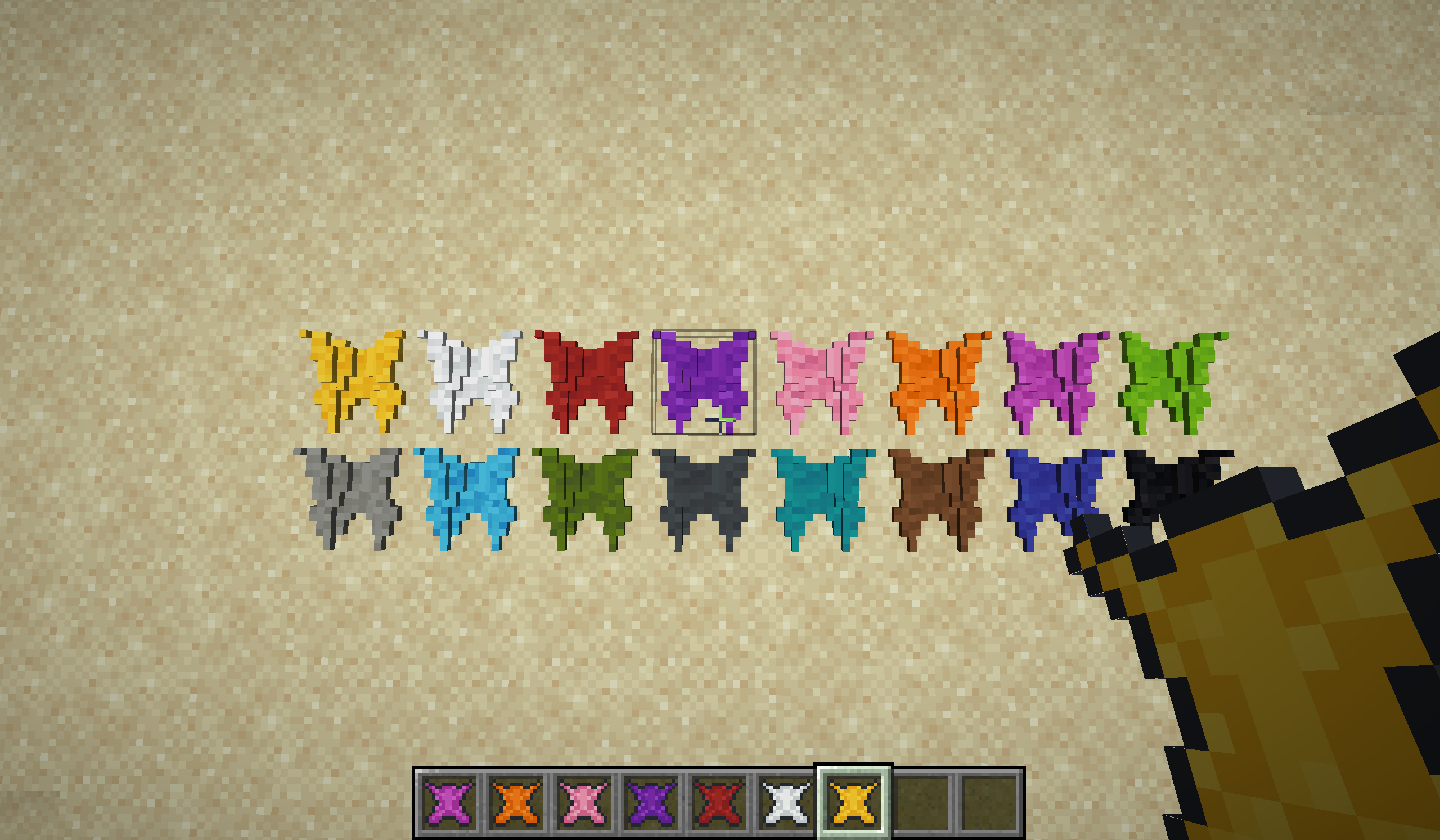
If you look carefully at the screenshot above, you’ll also notice that the textures on the Origami blocks themselves look different. Before this week, each part of the block was using the top-left part of the texture, leading to the more uniform look you can see in the first screenshot.
I updated this so that the block takes advantage of the whole texture, with each cube taking from a different part of the texture. The result is a more interesting looking block that doesn’t feel as flat as it used to.
So go out an enjoy the new origami blocks. And, as always, if you have any suggestions or spot a bug, feel free to open a ticket.


